- Click on Patients Appointments from the menu.
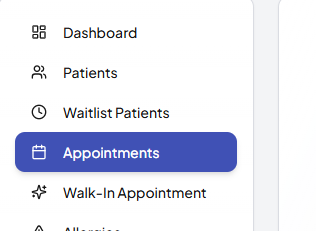
- Click the Create Appointment button.

- Select the patient from the list.
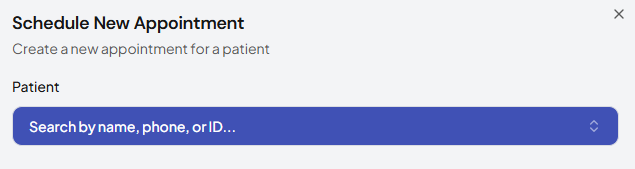
- Choose the appointment date and time.
- Assign a doctor if required.
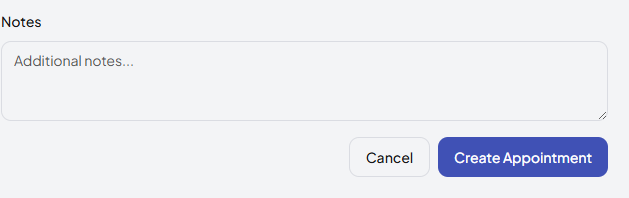
- Add any notes if needed.
- Click Save to confirm the appointment.
Was this article helpful?