How to Add a New Patient
- Log in to the patient management system.
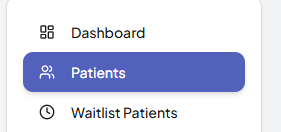
- Click on the Patients tab from the left menu.
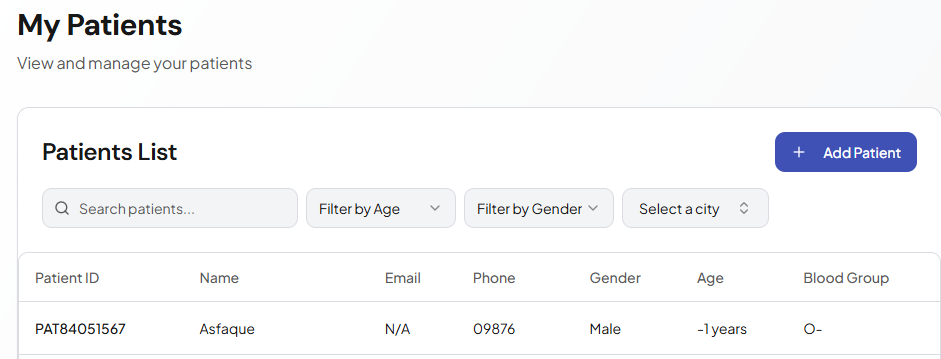
- Click the Add New Patient button.

- Enter the required patient details (name, age, phone number, etc.).
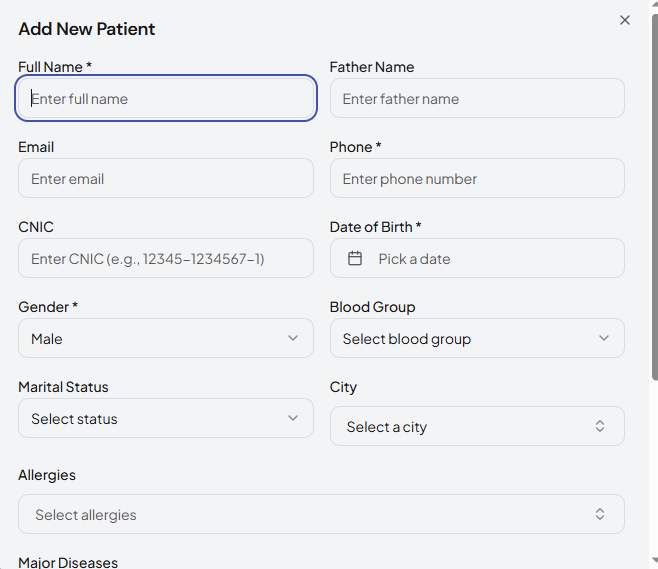
- Fill in any optional medical information if available.
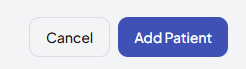
- Click Save to complete the process.
- The patient will now appear in the patients list.
Was this article helpful?